- DIRECT CONTACTS:
- +256394517569
- tours@safarioclock.africa

How to Keep Passport Copies Secure During a Gorilla Safari

Which Travel Documents Should You Carry on Gorilla Trekking Day?
November 9, 2026
Why Your Booking Names Must Match Your Travel Documents
November 9, 2026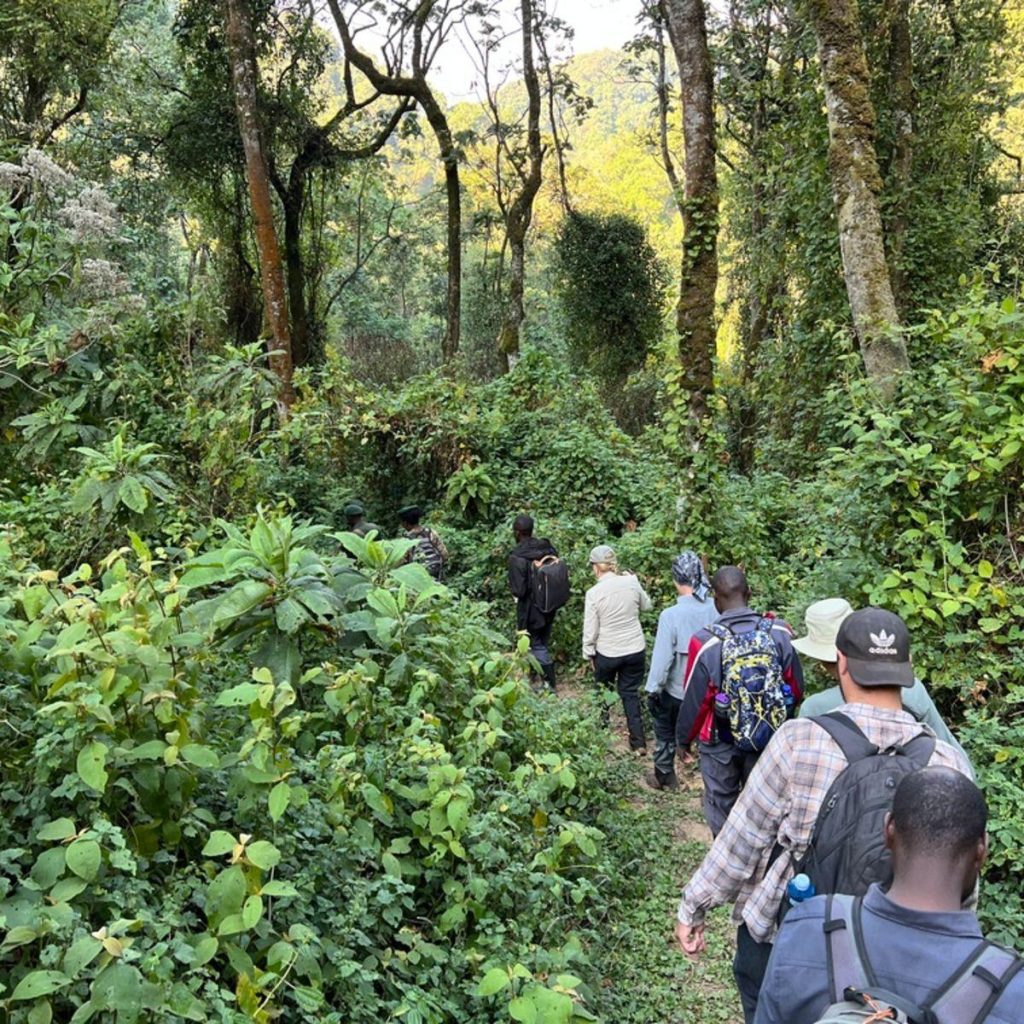
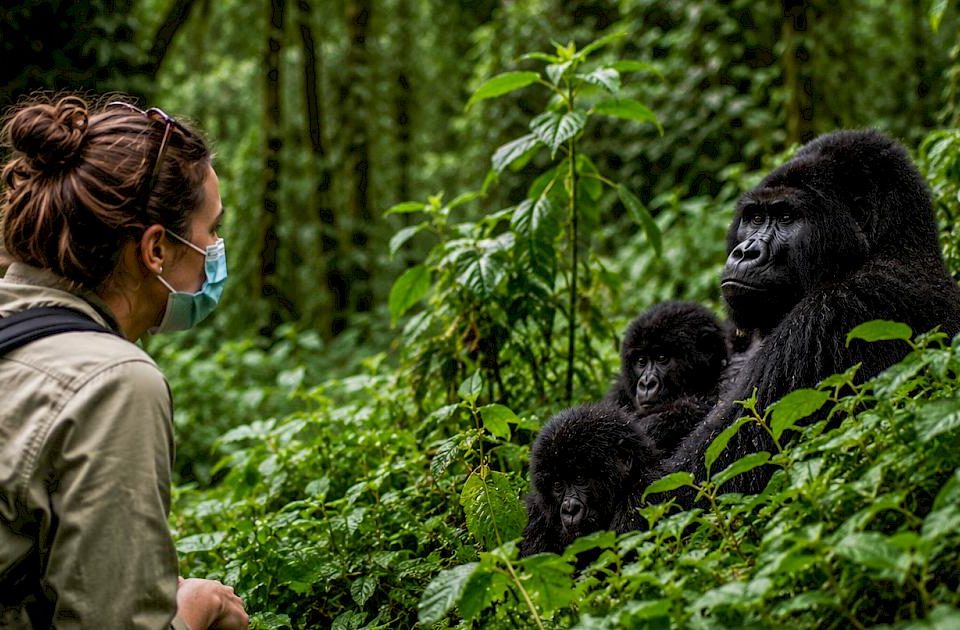
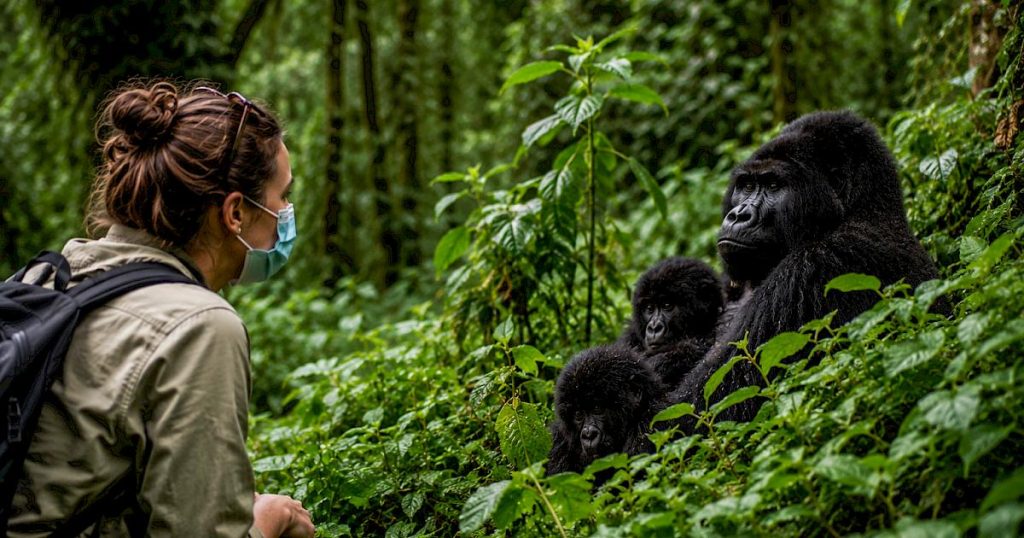
A gorilla safari is an exciting opportunity to explore Africa’s beautiful forests and encounter endangered mountain gorillas in their natural habitat. Whether you are travelling to Rwanda’s Volcanoes National Park or Uganda’s Bwindi Impenetrable National Park, proper preparation can make your journey safer and more enjoyable. One important detail that travellers should never overlook is the security of their passport copies.
Your passport contains sensitive personal information. This includes your full name, date of birth, photograph, passport number, and nationality. If someone accesses this information without your permission, they may misuse it or attempt identity fraud. Therefore, keeping your passport copies secure is an essential part of responsible travel preparation.
At Safari O’clock, we encourage travellers to prepare their travel documents before leaving home. A secure passport copy can help you access important information if your original document goes missing. However, a copy does not replace your original passport when immigration officials or park authorities require the actual document.
This guide explains how to protect digital and printed passport copies, share them safely, and prepare for unexpected situations during your gorilla safari.
Why Passport Copy Security Matters During a Gorilla Safari
Passport copy security matters because your travel documents contain personal information that should not fall into the wrong hands. During an international safari, you may need to share passport details with authorised travel providers, accommodation facilities, airlines, immigration authorities, or permit-booking services. Each legitimate request should be handled carefully.
For example, Rwanda’s official gorilla tracking booking system requests travellers’ details, including passport information, as part of the application process. The Rwanda Development Board also states that tourist documents are checked at park entry gates. Incorrect, incomplete, or false applications may result in denied entry, even when a visitor has already paid for a permit.
Consequently, travellers should provide accurate information while protecting their personal documents. Before sending a passport copy, confirm that the recipient is authorised to request it. Also, ask how the recipient will store the information and who will have access to it.
Safari O’clock can help you understand the documentation requirements for your itinerary. Nevertheless, you should avoid sending passport images through unverified accounts or to people whose identity you cannot confirm.
How to Make Secure Passport Copies Before Your Safari
Preparing your passport copies before departure gives you more control over your documents. It also reduces the pressure of trying to organise everything while travelling.
Start by making a clear copy of your passport’s identification page. This page normally contains your photograph and essential identity details. Check that the text is readable and that no important information has been cut off.
Next, consider whether you need copies of other travel documents, such as your visa, travel insurance details, or permit confirmation. Keep only the information you genuinely need. If a travel provider requests a specific document, confirm the requirements before sending additional personal information.
Create at least two secure backups. For example, you could keep one encrypted digital copy and another printed copy in a separate location from your original passport. You may also leave a copy with a trusted family member at home.
However, avoid making unnecessary copies of your entire passport. The identification page may be sufficient for your personal backup needs, although a particular authority may require additional pages or documents. Always follow the official requirements that apply to your journey.
Passport Copy Security: Protect Your Digital Files
Digital copies are convenient because you can access them without carrying several sheets of paper. However, they need proper protection. A passport image saved carelessly on your phone, email account, or cloud storage may expose your personal information if someone gains access.
First, save your passport copy in a secure location. Use a reputable storage service that offers encryption and strong account protection. Where possible, enable multifactor authentication. This adds another verification step if someone attempts to sign in to your account.
You should also protect the phone, tablet, or laptop containing your documents. Set a strong screen lock and keep your operating system and applications updated. If your device supports device encryption, ensure it is enabled.
Avoid saving passport images in publicly accessible folders or shared devices. Similarly, do not store sensitive files in an account that other people can access without your permission.
For an additional layer of protection, you may place your digital copy in a reputable encrypted document vault. Choose a service you understand and can access when travelling. Make sure you know how to recover your account if you lose your phone.
Safari O’clock recommends preparing your digital backups before departure. This gives you time to check that the files open correctly and that you can access them without relying on an unfamiliar device.
Passport Copy Security: Use Strong Passwords and Private Accounts
A secure file is only as safe as the account protecting it. Therefore, use a unique, strong password for the email or cloud account where you store your passport copy.
Avoid using the same password for every account. If one service experiences a security breach, criminals may try the exposed password elsewhere. A password manager can help you create and store unique passwords.
Whenever possible, enable multifactor authentication using a trusted authentication method. Keep your recovery codes in a separate, secure location. Do not save them alongside the passport copy they are meant to protect.
In addition, review the privacy settings of your cloud storage service. Check whether the folder is private or shared with other users. Remove access for anyone who no longer needs it.
Be careful when using public computers to retrieve travel documents. If you must use one, avoid downloading sensitive files unless absolutely necessary. Never allow the browser to save your password, and sign out of every account before leaving. If possible, use your own protected device instead.
Passport Copy Security: Keep Printed Copies Separate
Although digital backups are useful, a printed passport copy can provide another option if your phone runs out of power or becomes unavailable. The important thing is to store the paper securely.
Place your printed copy in a closed envelope or another protective holder. Keep it separate from your original passport. For example, you might carry the original passport in a secure travel pouch and keep the copy in a different part of your luggage.
This arrangement reduces the chance of losing both documents in the same incident. However, do not leave the copy in an unattended bag or an insecure vehicle.
You should also protect the paper from rain, moisture, dirt, and accidental tearing. Gorilla trekking often involves walking through humid forests, muddy trails, and changing weather conditions. A waterproof document pouch can help protect your printed backup.
When you arrive at your accommodation, consider using a secure room safe if one is available and you trust its security. Otherwise, ask the accommodation provider about suitable storage arrangements. Avoid leaving passport copies openly displayed on desks or bedside tables.
Remember that a printed copy is still sensitive personal information. Treat it with the same care as the original document.
Should You Carry Your Original Passport During Gorilla Trekking?
The answer depends on the requirements of the country, the park, and your specific travel arrangements. A passport copy can help you remember your details, but it may not satisfy an official identity check.
For example, Rwanda’s official gorilla tracking guidance requires relevant visitors to provide appropriate identification. East African citizens are advised to provide an East African Community identity card or passport, while certain residency categories have additional documentation requirements.
Therefore, confirm the current requirements for your permit category before travelling. Ask your tour operator or the relevant park authority whether you must present your original passport or whether another accepted document is sufficient.
Do not assume that a photograph of your passport will be accepted at the park entrance. Also, do not leave your original passport behind simply because you have a digital copy.
If you must carry the original document, place it in a secure, weather-resistant pouch. Keep it protected from rain and accidental damage. Avoid taking it out unnecessarily, especially in busy public places.
Safari O’clock encourages guests to confirm document requirements before the trekking day. This simple step can help prevent delays and reduce the risk of missing a scheduled activity because of incomplete identification.
How to Share Passport Copies Safely With Safari Providers
Travel providers may request passport details to arrange permits, accommodation, transport, or other services. However, you should share these details only when there is a legitimate reason.
Before sending a passport copy, verify the recipient’s identity. Use an official company email address, a verified booking platform, or another communication channel you have independently confirmed.
Next, ask whether the provider needs a full image or only specific passport details. Avoid sharing extra information that is not required for the service.
If you must send the document electronically, use a secure transfer method where available. Avoid posting passport images in public social media comments, open group chats, or online forums. Never send a passport copy to an unknown person simply because they claim to offer a discounted gorilla permit.
You should also be cautious when using messaging applications. A private conversation does not automatically guarantee that a file is stored securely on every device involved. Check who can access the conversation and whether the recipient may download or forward the attachment.
Once the provider has received your document, ask how it will be stored and whether it will be deleted when it is no longer needed. Keep a record of the organisation to which you supplied the information.
Safari O’clock understands that trust is an important part of travel planning. Travellers should feel comfortable asking questions about how their personal documents are handled.
Avoid Public Wi-Fi Risks When Accessing Passport Copies
Public Wi-Fi can be convenient at airports, cafés, hotels, and other travel locations. However, you should take precautions before accessing sensitive documents on an unfamiliar network.
Whenever possible, use your mobile data or a trusted network to access your passport backup. Avoid opening sensitive files on shared computers or devices that you do not control.
If you need to use public Wi-Fi, confirm the correct network name with the establishment. Keep your device updated and use secure websites and applications. Do not ignore security warnings or enter account passwords into suspicious login pages.
Be especially careful with unexpected emails or messages asking you to upload your passport again. Scammers may imitate airlines, hotels, immigration services, or tour operators to collect personal information.
Before opening an attachment or clicking a link, check the sender carefully. If a request seems unusual, contact the organisation through a channel you have independently verified.
For additional protection, consider disabling automatic connections to unknown Wi-Fi networks. This reduces the chance of your device connecting to an unsafe network without your knowledge.
How to Protect Passport Copies During Forest Excursions
Gorilla trekking can involve steep slopes, thick vegetation, muddy paths, and sudden rain. Your passport copy should therefore remain protected throughout the journey.
If you carry a printed copy, place it inside a waterproof pouch within a securely closed daypack. Avoid putting loose papers in an outer pocket where they could fall out while walking.
You usually do not need to take every travel document into the forest. Carry only the documents required for that day and leave unnecessary paperwork securely stored at your accommodation.
Before leaving, check with your guide or tour operator about the identification and permit documents you need at the meeting point. Requirements can vary depending on your destination and visitor category.
Keep your phone secure if it contains a digital passport copy. Use a screen lock and avoid handing an unlocked device to strangers. If you need assistance with a document, open it yourself rather than leaving the phone unattended.
Also, protect your phone from moisture and impact. A waterproof phone pouch can be useful in wet conditions. However, it should not replace a separate backup of your important travel information.
By preparing in advance, you can focus more on the experience and less on worrying about your documents.
What to Do If Your Passport Copy Is Lost or Stolen
Losing a passport copy does not automatically mean that your original passport has been stolen. Nevertheless, you should respond carefully because the copy may contain information that someone could misuse.
First, establish what is missing. If you have lost a printed copy, check your bags and contact the accommodation or transport provider where you last saw it.
If your phone or laptop is missing, use the security tools available for your device. Depending on the device, you may be able to lock it remotely, sign out of accounts, or erase its contents. Change the passwords for important accounts if you believe someone may access them.
If the passport image was stored in a shared cloud folder, review the sharing settings and revoke access where appropriate. Contact the storage provider if you suspect that your account has been compromised.
If the original passport is also missing, report the loss to the relevant authorities and contact your country’s embassy or consulate for guidance. You may need to complete a police report or apply for an emergency travel document.
Keep in mind that a passport copy can help you retrieve information, but it does not replace an official passport. Follow the instructions given by the relevant authorities.
You should also inform your tour operator if the incident affects your identification documents or scheduled activities. Safari O’clock can help you understand which parts of your itinerary may need attention, while the appropriate authorities advise you on official document replacement procedures.
Create a Passport Security Checklist Before Your Gorilla Safari
A short checklist can help you confirm that your documents are ready before you leave home. Start by checking that your passport is valid and that the details used for your travel bookings are accurate.
Next, make a clear copy of the identification page and store it securely. Keep a printed backup separate from the original document, where practical. Save a digital copy in a protected account and confirm that you can access it.
Then, enable a strong screen lock and multifactor authentication on the relevant devices and accounts. Check that your recovery details are up to date.
You should also leave a copy with someone you trust. Make sure that person knows how to contact you if an emergency occurs. Store your passport number and relevant emergency contacts separately from the original document.
Before departure, confirm the identification requirements for your gorilla permit and park entry. Keep any required permits, receipts, and supporting documents ready. Do not assume that a passport copy alone will meet every requirement.
Finally, review how you plan to carry your original passport during travel and where you will store it when you do not need it.
These small preparations can help you manage your documents more confidently throughout your trip.
Plan a Secure Gorilla Safari With Safari O’clock
A successful gorilla safari involves more than choosing a park and booking a permit. It also requires careful preparation, accurate travel documents, and sensible protection of your personal information.
By making secure passport copies, using protected digital storage, keeping printed backups separate, and sharing information only with trusted organisations, you can reduce avoidable risks during your journey.
Remember that passport copies are useful backups, not substitutes for official identification. Always confirm the requirements that apply to your nationality, residency status, permit, and destination.
Whether you are planning a gorilla trekking adventure in Rwanda or Uganda, Safari O’clock can help you prepare for your journey with practical travel guidance and itinerary planning.
Prepare your documents early, protect your personal information, and travel with greater peace of mind. Your gorilla safari should be remembered for its remarkable wildlife encounters and beautiful forest scenery, not for preventable document problems.